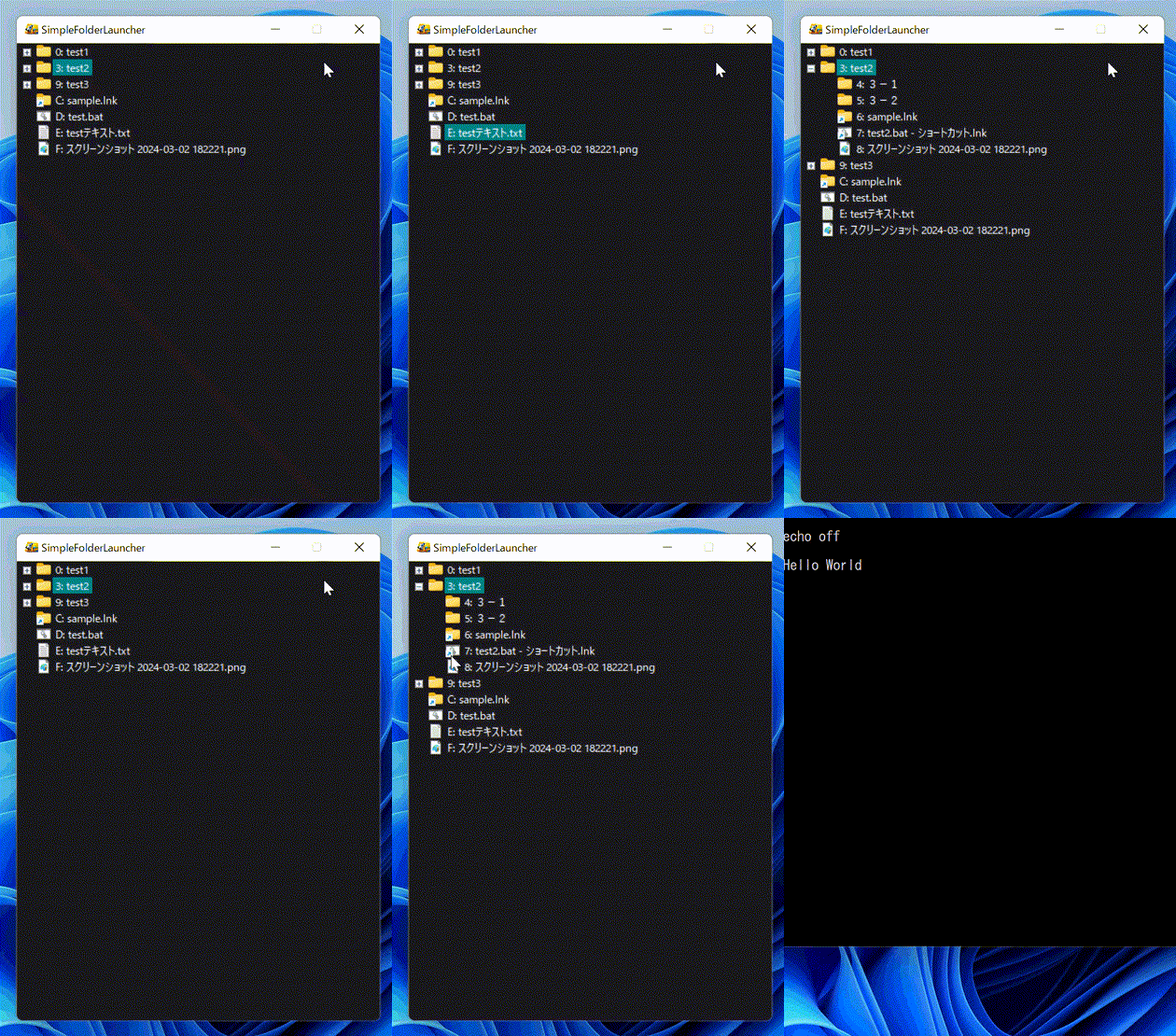
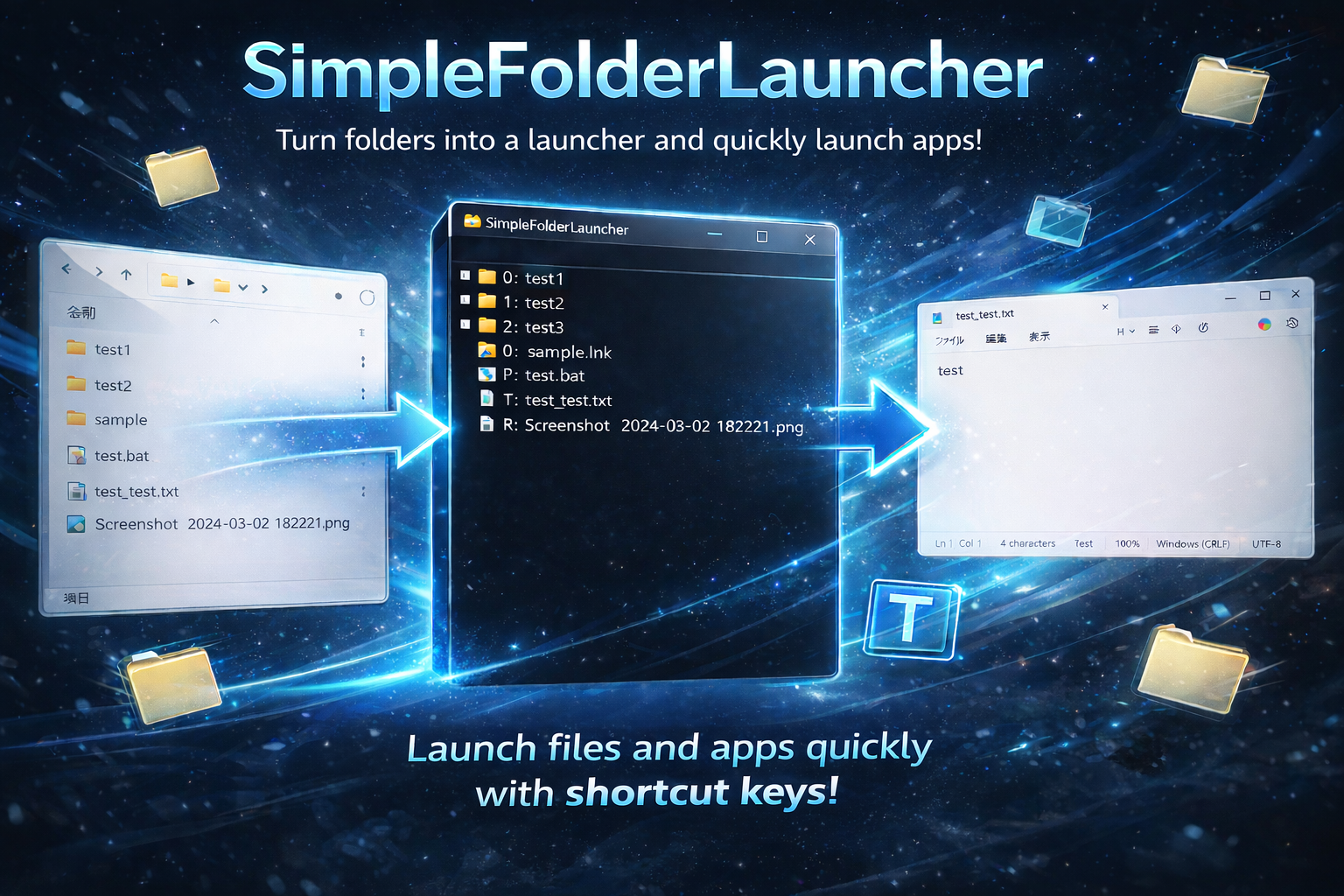
A lightweight utility that turns your existing folder structure into a launcher.
Intuitive operation with zero complex configuration required.
Free for both personal and commercial use.
Windows 11 / Windows 10
Use your folders as they are. Browse with an Explorer-like feel.
Minimal system impact. Launches and displays instantly.
Launch instantly with double Shift (the key type and number of presses can be changed in the settings) or with Ctrl + Shift + I.
You can also navigate using the ↑↓ keys or launch items via shortcuts, allowing complete keyboard-only operation.
Quickly filter through items with the built-in search functionality.
Just place the exe and specify a path. No tedious installation needed.
Supports both English and Japanese.
You can enable or disable hotkey activation, change the hotkey type, and adjust the number of required key presses.
1. Download the exe and place it anywhere.
2. Specify the folder you want to use as a launcher.
3. Launch instantly with shortcut keys.
This application detects keyboard input events solely for launcher hotkey functionality.
It does not record, store, or transmit any typed content.
No personal information is collected.