Concept
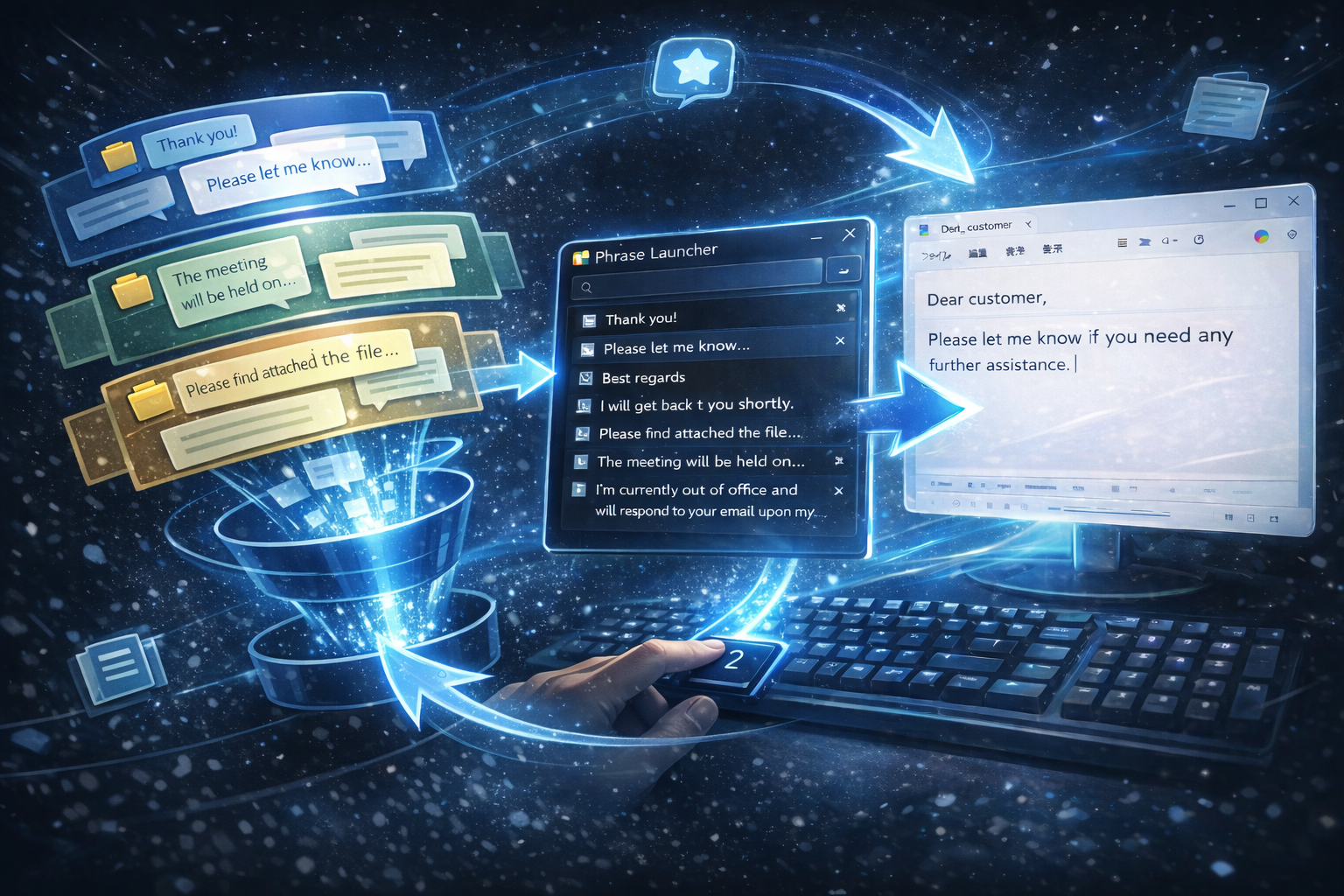
PhraseLauncher is a Windows productivity tool designed to
manage snippets and input them at lightning speed using only your keyboard.
Windows 11 / Windows 10
Use 0–9 / A–Z keys for rapid input without touching your mouse.
Seamlessly navigate through your phrases using only arrow keys.
Find the right phrase instantly, even as your library grows.
Organize and reorder snippets into groups for different tasks.
Full support for both English and Japanese interfaces.
Launch instantly with double Ctrl (the key type and number of presses can be changed in the settings)
or with Ctrl + Shift + O.
You can enable or disable hotkey activation, change the hotkey type, and adjust the number of required key presses.
You can import and export files in CSV or JSON formats.
Registered predefined phrases can be saved in an encrypted form.
You can also turn encryption on or off from the settings screen.
This application detects keyboard input events solely for launcher hotkey functionality.
It does not record, store, or transmit any typed content.
No personal information is collected.